How to setup your internet
Step 1: Find the coax port in your home
Your current modem might already be plugged into the coax port in your home. If that is the case, you can unplug your current modem and simply plug ours in. If this is not the case, locate the coax port in your home. It could be either a wall plate or a line coming through your wall. I should note that there could be several coax ports in your home, and maybe only one of them is live.
Step 2: Plug your modem into power
Power time, baby! Feel free to plug your modem into any wall outlet, avoiding power strips. Give your modem about 15 minutes to set up. Assuming the coax port you are plugged into is live, you should see 5 lights lit on your modem. If for some reason you do not see all 5 lights please take a look at the trouble shooting tips below.
Step 3: Text us "Password Please"
Final step: Shoot us a text from your number on file to 902-800-2660 with the words 'Password Please,' and we will respond with yourcredentials to connect to your wifi. Go ahead, log in. You are now part of the herd! Thank you!
Some common setup questions
Still have a question?
Shoot us a message and our team will respond within mins
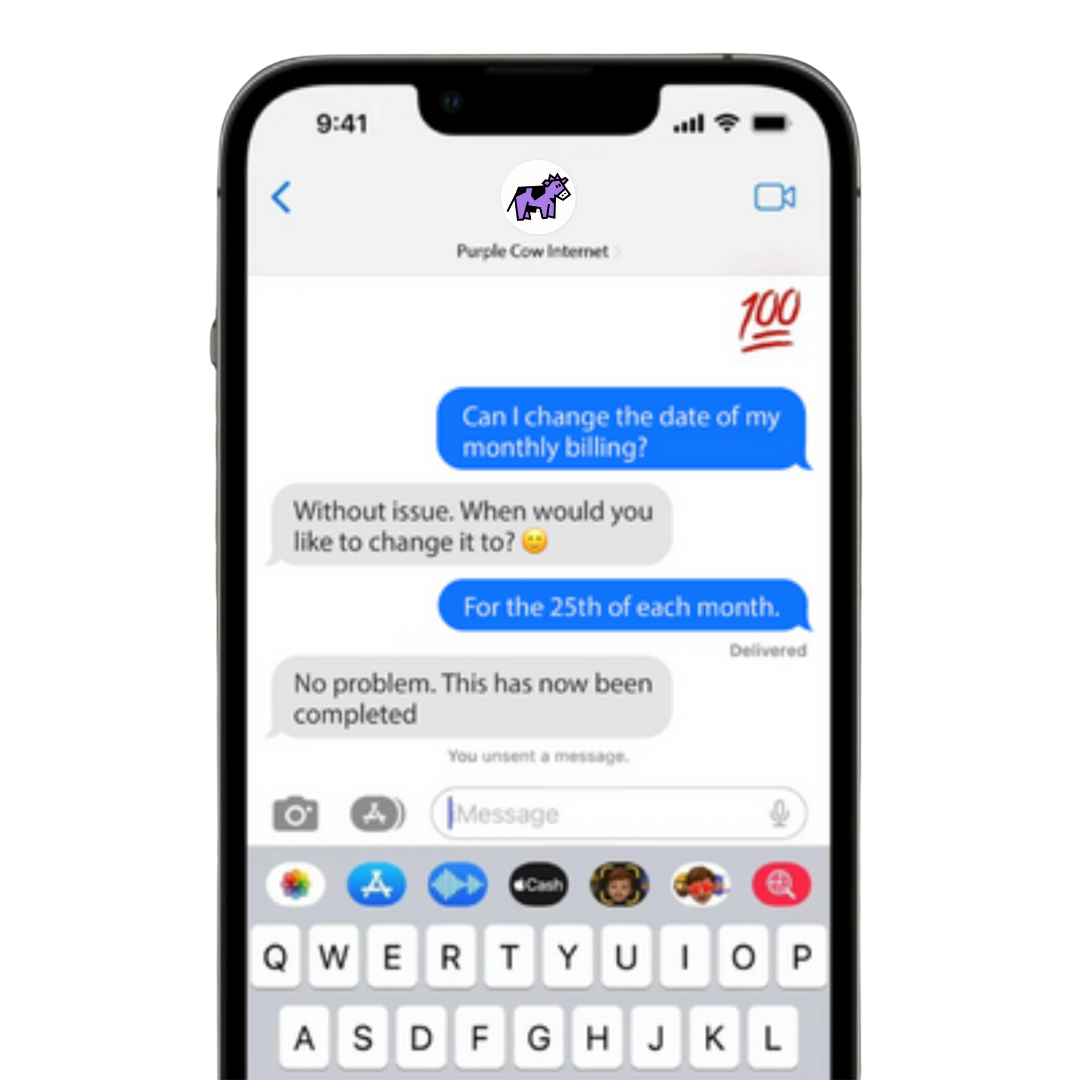
Our main form of communication here at Purple Cow is through text message. We love this as it keeps things more personal and keeps history of the entire conversation.